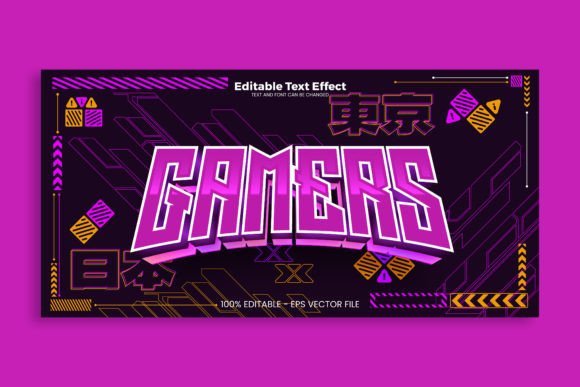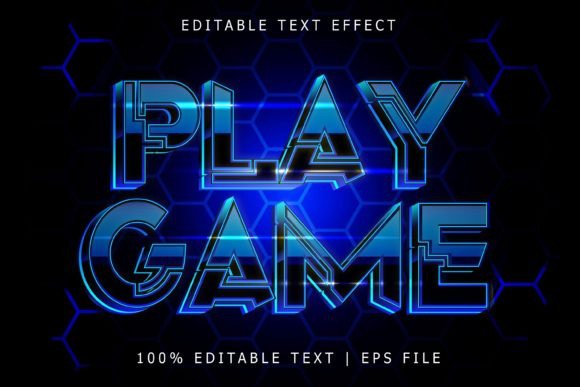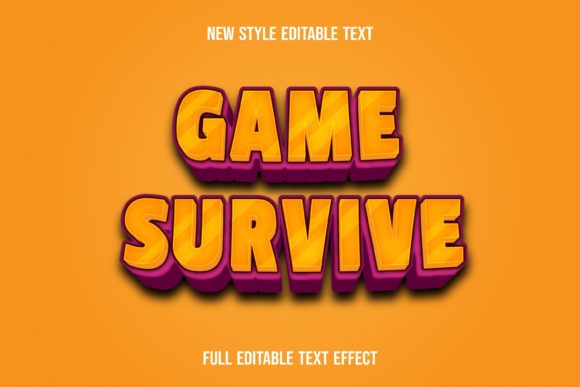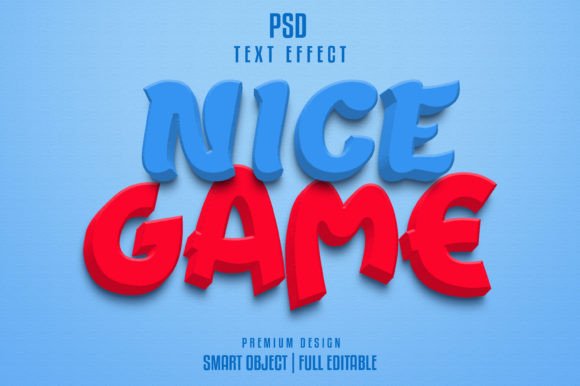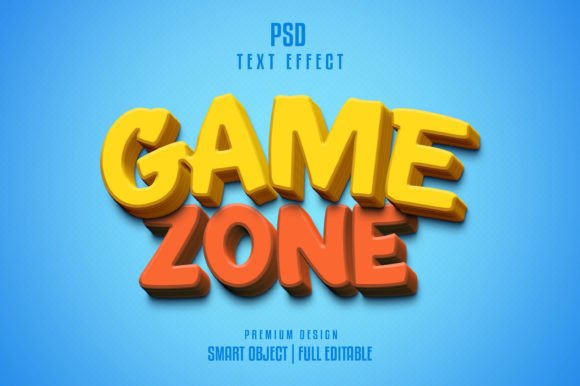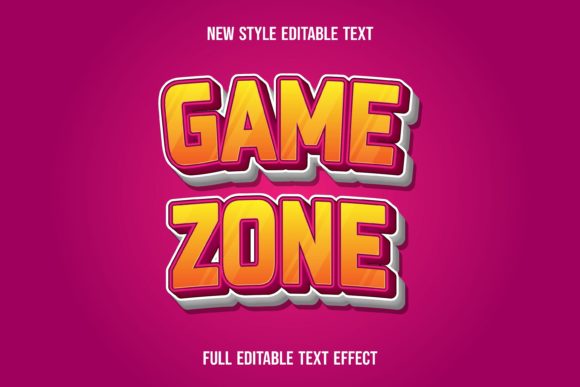
Game Zone Text Effect: Bold Typography for Modern Designers
There's a certain electricity that comes with retro gaming aesthetics—the pixelated glow, the bold outlines, the unapologetic confidence of arcade-era typography. That energy is exactly what the Game Zone-text Effect brings to your creative toolkit. This isn't just another display font sitting on your hard drive collecting digital dust. It's a fully editable vector resource designed for designers, entrepreneurs, and content creators who want their typography to feel alive, dynamic, and unmistakably bold.
What makes this particular resource stand out in a sea of design assets? For starters, everything ships as 100% vector graphics in EPS format, which means you can scale it to billboard size or shrink it down for a favicon without losing a single pixel of quality. Every object, every color, every shape is yours to manipulate in Adobe Illustrator. The RGB color mode ensures your designs look vibrant on screens, while the well-organized layers make the editing process feel less like a chore and more like actual creative work. You also get a JPEG sample preview so you know exactly what you're working with before you dive in.
Where This Typography Style Truly Shines
Think about the brands and projects that catch your eye on social media. Chances are, their typography does heavy lifting. The Game Zone-text Effect works particularly well for anyone building a brand identity around energy, entertainment, youth culture, or technology. A gaming YouTube channel, an esports team, a retro-themed café, or even a children's party planning business—these are all contexts where this style of modern typography communicates the right mood instantly.
For logo design, this resource offers a distinct advantage. Because it's fully editable, you aren't locked into a single color scheme or outline weight. Want to match the effect to an existing brand palette? Open the file in Illustrator, adjust the colors, tweak the shapes, and export. The flexibility here matters because a logo needs to work across multiple touchpoints—business cards, websites, merchandise, social media profiles—and a vector-based approach guarantees consistency everywhere.
Packaging design is another area where bold, game-inspired typography grabs attention. Picture a snack brand targeting teens and young adults, or a line of energy drinks competing on crowded shelves. The visual weight and playful attitude of this text effect can differentiate a product in ways that a safe, neutral font simply cannot. When consumers scan shelves or scroll through online listings, distinctive typography is often the first thing that registers.
Practical Applications Across Your Creative Work
The versatility of this resource extends well beyond logos and packaging. Consider how it fits into your broader design workflow:
- Social media graphics that need to stop the scroll—think Instagram stories, YouTube thumbnails, Twitch overlays, and TikTok covers where bold visual impact is non-negotiable.
- Poster and flyer design for events, product launches, or promotions where the typography itself becomes a focal point rather than just functional text.
- Website headers and blog graphics that set a tone before visitors read a single word of copy.
- Print materials like brochures, menus, and editorial layouts where you want personality without sacrificing clarity.
- Digital products and marketing assets such as email headers, banner ads, and presentation slides that need consistent visual branding.
- Invitations and event materials—birthday parties, gaming tournaments, themed celebrations—where the typography signals the vibe immediately.
- Merchandise including t-shirts, stickers, mugs, and posters sold through print-on-demand platforms or at conventions.
Because the file is ready to use on the Graphic Style panel in Illustrator, you can apply the effect to any shape or font you already have installed. That means you aren't limited to a single typeface. Apply it to a sans serif font for a clean, modern look. Layer it over a script font for something more unexpected. The creative possibilities expand significantly when the effect works independently of a specific letterform.
Getting the Most Out of Editable Typography
One of the most overlooked aspects of working with premium font effects and design assets is understanding how to adapt them to different contexts. A text effect that looks incredible at 72pt on a poster might need adjustment for smaller applications like business cards or mobile screens. Here's where the fully editable nature of this resource pays off.
Start by testing the effect at the actual size it will appear in your final design. Zoom out in Illustrator to get a realistic sense of readability. If the outlines feel too thick or the color fills compete with background elements, dial them back. The well-organized shapes make these adjustments straightforward—you won't waste time hunting through messy layers trying to find the right element.
Font pairing deserves attention too. If you're using the Game Zone-text Effect for headlines, choose a complementary body font that doesn't fight for attention. A clean sans serif like Montserrat or a simple serif like Lora can provide the contrast your layout needs. The goal is hierarchy: your display typography grabs attention, and your supporting text does the quieter work of delivering information. Testing a few pairings before committing to a final design saves headaches down the road.
Color choices also play a critical role. Since the resource comes in RGB mode, it's optimized for digital use, but that doesn't mean you can't adapt it for print. Simply convert to CMYK in Illustrator and adjust any colors that shift during the conversion. Having full control over every object and color means you can fine-tune the output for any medium without starting from scratch.
Commercial Use and Licensing Considerations
For designers and small business owners, the licensing details of any font or design resource matter just as much as the aesthetics. Before incorporating any typography asset into client work or commercial products, review the included license carefully. Understand what's permitted—can you use it in products for sale? Can you include it in templates you distribute? Are there restrictions on the number of projects or prints?
This particular resource is positioned for commercial use, but responsible designers always verify the specific terms. If you're creating assets for a client, make sure the license covers that use case. If you're selling digital products like social media template packs, confirm that redistribution rights are included. These details protect both you and your clients, and they're part of running a professional design practice.
Also worth noting: the font itself is not included with this text effect. You'll need to pair it with your own typeface, which actually works in your favor. It means you can match the effect to fonts you've already licensed or open-source fonts you trust, giving you more control over your final design and your legal standing.
Making Typography Work Harder for Your Brand
Strong typography does more than look good. It builds recognition, creates emotional connections, and guides the viewer's eye through your content in a deliberate way. When someone sees consistent, well-chosen typography across your website, social channels, packaging, and print materials, they start to associate that visual language with your brand. That association compounds over time into something genuinely valuable—trust, familiarity, and preference.
The Game Zone-text Effect gives you a specific tool for projects that need energy and personality. It won't be right for a law firm or a meditation app, and that's fine. Design resources work best when they're matched to the right context. For projects that call for bold, playful, arcade-inspired visuals, having this kind of ready-to-use, fully editable vector asset in your toolkit means you can move from concept to execution faster—and with more confidence in the result.
Take the time to explore how it integrates with your existing workflow. Open it in Illustrator, experiment with different fonts and colors, test it at various sizes, and see where it fits. The best design assets aren't the ones that sit untouched in a folder. They're the ones you actually use, adapt, and make your own.